
Patients arrive registered, with paperwork done
New patients fill in their details, upload their health card and ID and sign consent online before the visit. Your front desk reviews one complete registration instead of a clipboard.
Where patient intake costs your front desk time
HIPAA is on our roadmap, not in place today. Talk to us about your privacy requirements before collecting health information.
Clipboards in the waiting room, then typing it all in.
Patients register online before the visit, and the answers arrive as structured data.
Missing health card or ID copies.
Required uploads must be added before the registration can be submitted.
Consent forms on paper, filed somewhere.
Consent is signed online and kept with the registration, with the time and IP address.
Renewal and admin requests by phone.
Requests like prescription renewals become a short online form, with a fee if you charge one.
Registration, renewals and other requests
This is the new-patient registration from our demo clinic. A prescription renewal with an administration fee and physician review runs the same way.
New patient registration
Details, health card and ID collected before the visit.
Consent signed online
Kept with the registration and its history.
Renewals and requests
Short request forms with an optional fee and physician review.
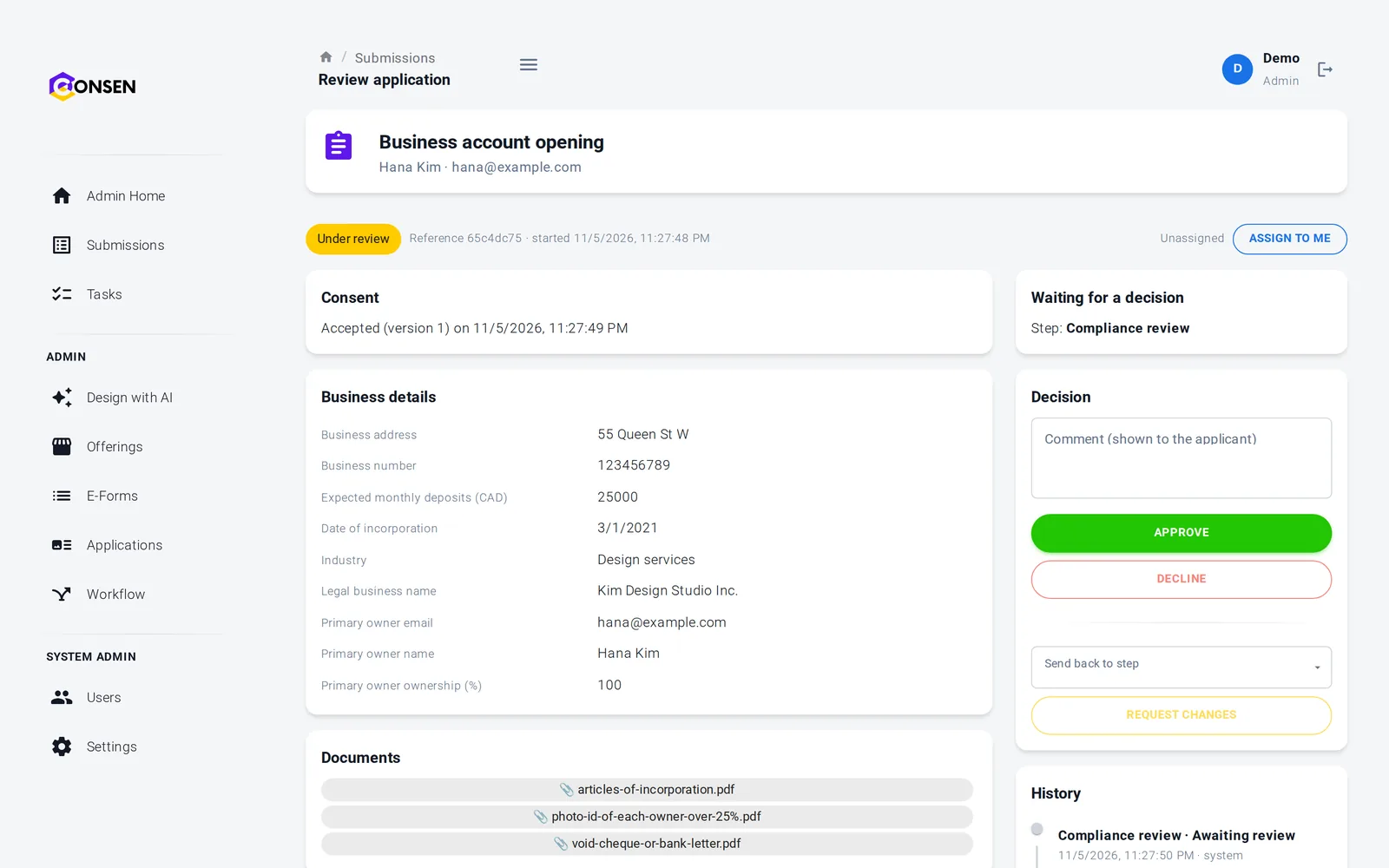
Staff review
Front desk or clinicians approve or ask for changes.
Emails in your name
Confirmations sent with your clinic's branding.
Controls in place
Isolated workspace, encryption, role-based access. HIPAA on our roadmap.
New patient registration
Health card (front and back) and photo ID.
One complete registration to check
Staff see the patient's details, uploaded cards and signed consent together, then accept the registration or ask the patient to fix something.
A shared queue for the front desk
Ask for a clearer photo of a health card
History of every step and decision
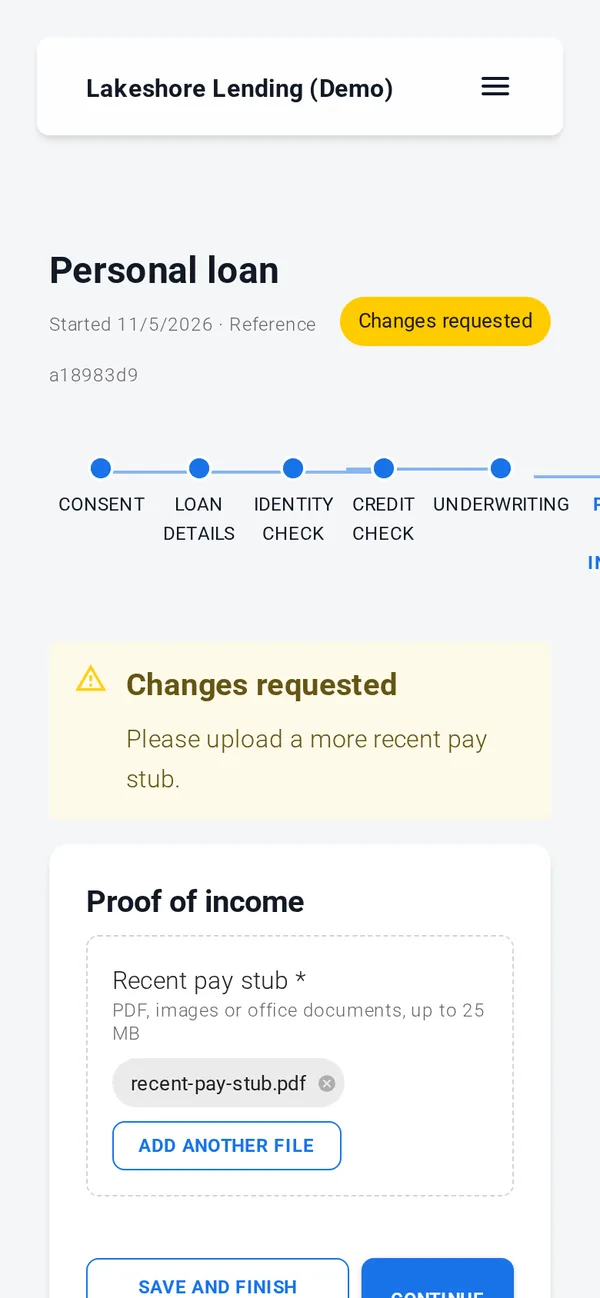
Patients register from their phone
A link in your appointment email or on your website is all patients need. They see each step and can finish later.
Photos of cards straight from the phone
Save and finish later
Status of their registration at any time
Consent, documents, simple e-signature, rules, reviews and emails work out of the box. ID verification, credit, background and AML checks, advanced e-signature and payments run through your own provider accounts, connected with our team during onboarding; until then those steps run in test mode with simulated results.
Explore a live demo workspace
These are demonstration workspaces for fictional organizations. Browse the offerings and apply as an applicant with made-up details (you need an email address to create an applicant account). Identity checks, signatures and payments are simulated. Staff and designer views are shown in a guided demo.
The questions we hear first
Is our applicants' data safe?
Each workspace is isolated, data is encrypted in transit and at rest, staff access is role-based and invite-only, and every action is in the history.
How we protect dataHow much work is it to set up?
We set up your workspace and build the first application with you during onboarding. After that your team changes forms and rules itself, without code.
See the productDoes it work with our providers and systems?
Built-in steps need no third party. ID, credit and AML checks and payments connect to your own provider accounts. Sending data to your own systems is scoped with you.
Integrations and APIWhat does it cost?
There are three plans. We send a quote after a short call about your process and volume, so you pay for what you need.
Compare plansSee your patient registration on CONSEN
Send us your current intake forms. We will show them as an online registration in a demo workspace and discuss your privacy requirements.